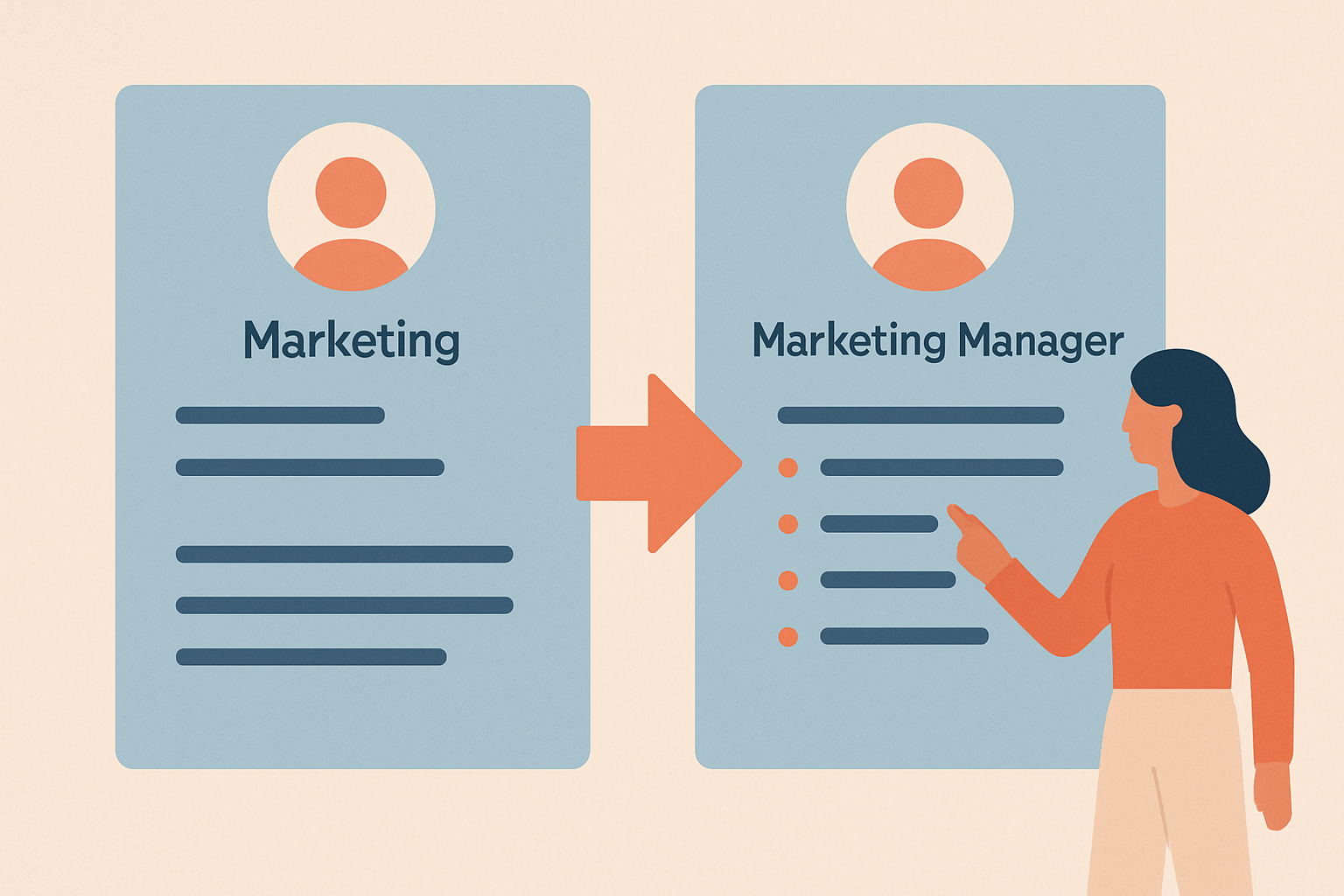
Best Canva Resume Builder Alternatives for Job Seekers Who Need ATS Compliance
Discover the best Canva resume builder alternatives that ensure ATS compliance. This guide presents top tools that not only enhance your resume's design but also boost your chances of getting noticed by employers.

Why Consider Canva Resume Builder Alternatives?
While Canva is popular for its user-friendly design features, many job seekers face challenges with ATS (Applicant Tracking Systems) compatibility. Employers increasingly rely on ATS to filter resumes before they even reach human eyes. This can cause beautifully designed Canva resumes to be overlooked. In this guide, we'll explore several alternatives that provide both aesthetic appeal and ATS optimization.
1. ResumeOpen
ResumeOpen is a powerful resume-building tool that combines design flexibility with ATS optimization. It offers a variety of templates specifically designed to pass ATS filters while still allowing for creativity.
- ATS-friendly templates that ensure your resume gets seen.
- User-friendly interface with drag-and-drop features.
- Real-time AI resume review to enhance your content.
Caveat: While it offers numerous templates, some users may find the design options slightly less varied than Canva.
2. Zety
Zety is another robust alternative that provides a step-by-step resume-building process. It focuses on guiding users through each section of the resume to ensure clarity and impact.
- Customizable templates with ATS compliance.
- Guided content suggestions for each resume section.
- Integrated cover letter builder.
Caveat: Some users may find the pricing structure a bit confusing, as certain features require a subscription.
3. ResumeGenius
ResumeGenius allows users to create resumes quickly with its extensive template library and easy-to-use interface. It focuses on creating professional resumes that align with ATS requirements.
- Wide range of professional templates.
- ATS compatibility to boost visibility.
- Quick and straightforward resume creation process.
Caveat: The free version has limited functionality, and exporting resumes may require a fee.
4. VisualCV
VisualCV stands out for its visually appealing resume designs. It allows users to create both standard and online resumes, which can be shared easily.
- Modern designs that attract attention.
- Online portfolio options for showcasing work.
- ATS-friendly templates available.
Caveat: Some of the more advanced features are locked behind a subscription plan.
5. Standard Resume
Standard Resume is designed for simplicity and ease of use. It enables users to create clean and straightforward resumes that are ATS-friendly.
- Focus on simplicity and readability.
- Easy export options for various formats.
- Free to use with basic features.
Caveat: Limited design options may not appeal to those looking for a more creative touch.
6. Novoresume
Novoresume provides a unique approach by offering both free and premium templates that are designed to be ATS compliant. Their editor is intuitive and features a variety of customization options.
- Section-specific tips and guidance.
- ATS-friendly templates that look great.
- Free version available with essential features.
Caveat: Some advanced features and designs are locked behind the premium version.
How to Choose the Right Resume Builder
When selecting a Canva resume builder alternative, consider the following factors:
- ATS Compliance: Ensure the tool offers templates designed to pass ATS.
- User Experience: Look for intuitive interfaces that simplify the resume-building process.
- Design Flexibility: Choose a platform that balances aesthetics with functionality.
By weighing these factors, you can find the best tool that meets your specific needs.
Ready to create an ATS-optimized resume? Visit ResumeOpen templates for a variety of options, or start building your resume now at ResumeOpen.
Build your resume in minutes
Free to start. ATS-friendly templates. AI-powered review built in.
Start free →More to read
ResumeOpen Pricing Explained: Free vs Premium vs Pro — Which Plan Fits Your Job Search?
We Analyzed 10,000 Resumes — Top Keywords That Win Interviews in 2025